
On this page
How to Find Negative Keywords with AI
Key Takeaway: To find negative keywords with AI, have it group your search terms into themes of irrelevance rather than listing individual wasteful terms. Theme detection across thousands of queries is genuinely what models are good at. The risk to manage is the opposite of waste — an over-aggressive negative list costs more than the spend it saved.
This is one of the few PPC workflows where AI does the whole job well rather than assisting with part of it.
The task is pattern recognition over a large text corpus: read four thousand search terms, notice that two hundred of them are people looking for jobs rather than products, and say so. Humans are slow and inconsistent at this. Models are fast and consistent. The fit is unusually good.
It also matters more than it did. As AI Max replaces Dynamic Search Ads, targeting moves from inclusion toward exclusion — negatives become the primary steering wheel rather than a hygiene task.
Why Themes Beat Terms

The instinctive approach is to sort search terms by spend, look at the top fifty, and add negatives for the obviously bad ones. It works and it does not scale, because the long tail is where most waste lives — hundreds of terms spending a little each, individually beneath your attention and collectively significant.
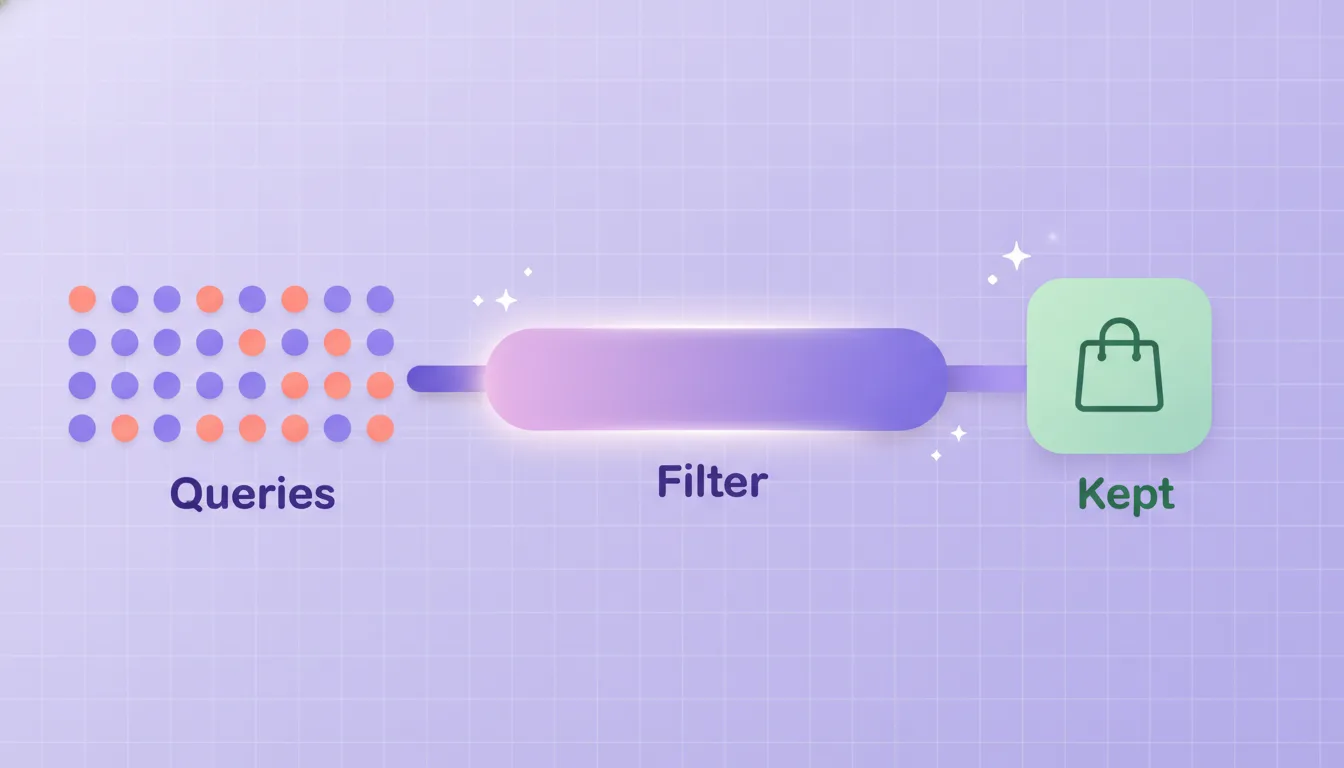
Themes solve this. Instead of "add negative for free crm software download", you get "roughly 180 queries contain free, trial or download intent, together accounting for meaningful spend and two conversions." Now you are making one decision about a category rather than 180 decisions about strings.
Common themes worth asking for explicitly:
Job seekers — careers, jobs, salary, hiring, internship
Free and DIY — free, cheap, template, how to make, tutorial
Research intent — what is, meaning, definition, examples
Wrong product adjacency — related items you do not sell
Competitor names — where you have decided not to bid
Support and returns — login, warranty, contact, refund
Geographic mismatch — places you do not ship to
Key Takeaway: Ask for themes with spend and conversion totals attached, not a list of terms. A theme with meaningful spend and zero conversions is a decision. A single term with $12 spend is noise, and reviewing it wastes more of your time than it saves.
Getting Match Type and Level Right

The part AI gets wrong most often, because it involves judgement about future traffic rather than analysis of past traffic.
Situation | Match type | Level |
|---|---|---|
One specific bad query, no wider pattern | Exact | Ad group |
A clear recurring theme (jobs, free, DIY) | Phrase | Campaign or account |
A word that is always wrong for you | Broad | Account list |
Relevant to one ad group, wrong for another | Phrase or exact | Ad group only |
Competitor you never want to appear on | Phrase | Account list |
Broad-match negatives at account level are the dangerous cell. One over-general word — "service", "solution", "small" — can silently block a large slice of legitimate traffic, and because it prevents impressions there is nothing in the reports afterwards showing what you lost.
A useful rule: broad negatives only for words that are wrong in every possible context. Everything else gets phrase.
The Over-Negation Trap

Every other article on this topic treats more negatives as strictly better. It is not, and the failure is asymmetric in a way that matters.
Waste is visible. It sits in a report with a spend figure attached, and you can measure what cutting it saved. Over-negation is invisible. The queries you blocked do not appear anywhere, so a campaign that is slowly being strangled looks like a campaign with declining volume and no obvious cause.
Three specific ways it happens:
Blocking on zero conversions with too little data. A term with 30 clicks and no conversions is not evidence of a bad term. It is evidence of 30 clicks. Set a volume floor before treating absence of conversion as signal.
Ignoring assisted value. Research-intent queries often convert later through a different path. Blocking everything that does not convert last-click can remove the top of your funnel.
Panic negation during a migration. Performance drops, someone adds a large broad-match list to stop the bleeding, and performance drops further. If results worsen after a big negative push, check the push before blaming the platform.
Honest limitation: An AI cannot tell you whether a query has assisted value, because that requires attribution data it usually cannot see, and it cannot know that a term matters to your business for reasons absent from the data. It will also happily suggest broad-match negatives that look reasonable and are not. Treat its output as a shortlist for review — the theme grouping is the automatable part, the match-type decision is not.
The Five-Step Workflow
Mine. "Group last 30 days of search terms into themes of irrelevant intent. For each theme give total spend, clicks, conversions and five example queries."
Filter by volume. Discard themes below a spend or click floor. You are looking for decisions worth making, not completeness.
Decide match type and level yourself. Use the table above. This is the judgement step and it is not automatable.
Apply. With write access this happens in the same conversation. Note that Google's official MCP server is read-only, so applying negatives there needs a write-capable third-party server or the interface.
Review in two weeks. Check impression volume and conversion volume, not just CPA. If both dropped, you cut too deep — and that is the failure that does not announce itself.
Run mining weekly. Run the review after every significant negative push.
Read this next → Dynamic Search Ads Is Being Deprecated
Why negatives become your primary steering wheel under AI Max, and the migration checklist to run before the February 2027 upgrade.
What Should You Take from This?
Ask for themes with spend and conversion totals, not lists of individual terms. Theme detection is the part AI genuinely automates.
Match type and level are judgement calls about future traffic. Keep those decisions human.
Broad-match negatives at account level only for words wrong in every context. Everything else phrase.
Over-negation is invisible in reporting. Review impression and conversion volume after every push, not just CPA.

Mine Every Platform's Search Terms at Once
Brandlio reads search term reports across Google, Microsoft and Amazon and can apply negatives directly — including on platforms whose official servers are read-only. See pricing or connect your first account.
Frequently Asked Questions
How do I find negative keywords with AI?
Ask it to group your search terms into themes of irrelevant intent rather than listing individual wasteful terms, with spend, clicks and conversions attached to each theme. Theme detection across thousands of queries is what models do well; deciding match type and level for each theme remains a human judgement call.
Why group into themes instead of listing terms?
Because most waste lives in the long tail — hundreds of queries spending a little each, individually beneath your attention and collectively significant. Themes turn 180 separate decisions into one, and they surface patterns that sorting by spend never reveals.
What match type should negative keywords use?
Phrase match for recurring themes, exact for one-off bad queries, and broad only for words that are wrong in every possible context. Broad-match negatives at account level are the highest-risk choice, because one over-general word can block a large slice of legitimate traffic invisibly.
Can adding too many negative keywords hurt performance?
Yes, and it is the failure mode nobody watches for. Blocked queries never appear in reports, so a campaign being strangled looks like one with unexplained declining volume. Waste is measurable; over-negation is not, which makes it the more dangerous error.
How much data before I block a term?
Set a volume floor. A term with 30 clicks and no conversions is evidence of 30 clicks, not of a bad term. Treating absence of conversions at low volume as signal is the most common way accounts end up over-negated.
Can AI apply the negatives automatically?
Only with a write-capable server for that platform. Google's official MCP server is read-only, so it can identify wasteful queries but cannot act on them — applying negatives there requires a write-capable third-party server or doing it in the interface.
Why do negatives matter more under AI Max?
Because AI Max casts a substantially wider net than Dynamic Search Ads did. Under DSA your page content acted as a natural boundary on which queries could match; AI Max reasons about intent and will match queries your pages never mention. Control shifts from inclusion to exclusion.
How often should I mine search terms?
Weekly, and more frequently in the first six weeks after any targeting change or migration. Review the effect of each significant negative push after about two weeks, checking impression and conversion volume rather than CPA alone — CPA can improve while total volume quietly collapses.


